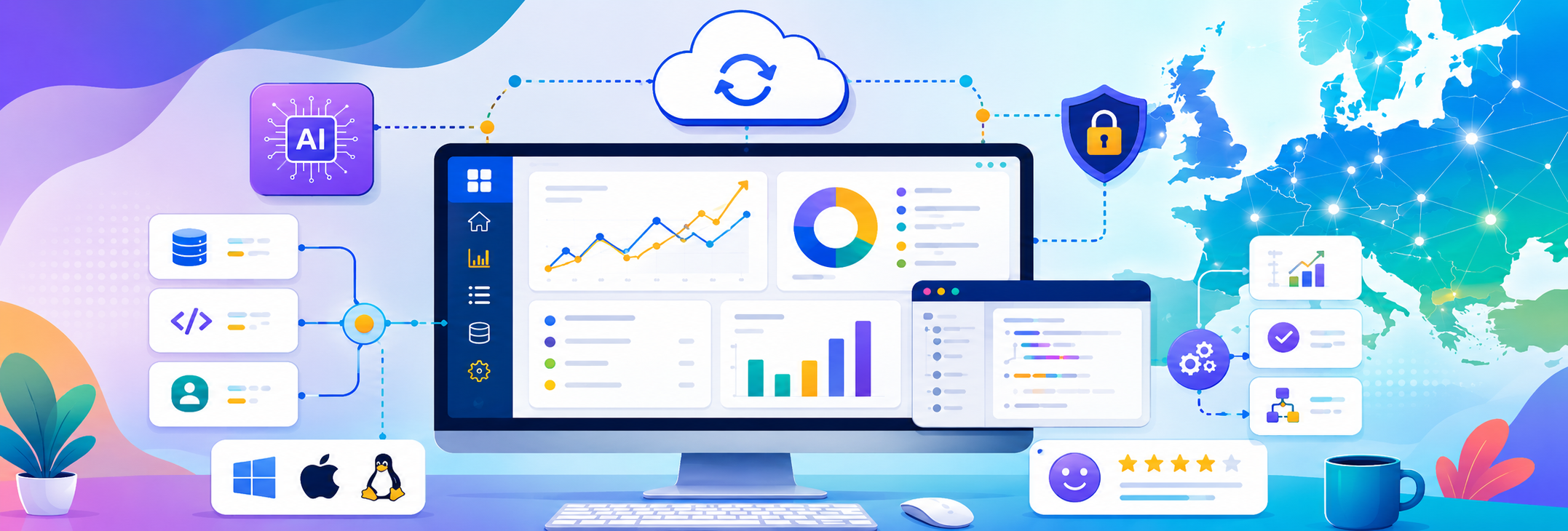


Desktop software never actually disappeared In fact, many businesses across Europe still rely heavily on Desktop Application Development for performance-critical operations, internal systems and specialized business processes that web applications simply don’t handle as efficiently.
Turns out, when reliability, speed, offline functionality, and system-level control matter, desktop applications are still incredibly useful.
What Desktop Application Development Actually Means
Desktop applications are software programs installed directly on a computer or workstation rather than accessed entirely through a browser.
These applications can operate independently, connect to local systems, integrate with cloud services, or function inside larger enterprise infrastructures.
Modern desktop software is far more advanced than the bulky office tools people often imagine.
Today’s desktop applications support:
- Real-time data processing
- Enterprise automation
- Advanced analytics
- Secure internal operations
- Offline workflows
- High-performance computing tasks
- Custom business operations
Desktop software remains valuable because certain business operations still require speed, stability, and direct system access.
Why European Businesses Still Invest in Desktop Applications
European companies operate across industries where performance and reliability directly affect operations.
Offline Reliability Matters
Internet connectivity is not always predictable.
Businesses working in manufacturing, logistics, healthcare, engineering, or field operations often require software that continues functioning without constant cloud access.
Desktop applications provide that reliability No spinning browser tabs. No dependency on unstable connections. No awkward “trying to reconnect” messages while operations pause.
Performance Requirements Are Higher
Desktop software often performs better for:
- Large data processing
- Engineering applications
- Financial systems
- Design software
- Video and media processing
- Industrial management systems
Some tasks simply demand more computing power than browser-based environments comfortably provide.
Security and Internal Control
Certain industries require stricter control over data access and internal systems.
Desktop applications allow businesses to manage:
- Local infrastructure
- Private networks
- Internal permissions
- Sensitive operational workflows
- Custom security policies
That level of control remains important for many enterprise environments across Europe.
Where Desktop Applications Are Commonly Used
Desktop software is still deeply integrated into many industries.
1. Healthcare
Hospitals and clinics often use desktop systems for:
- Patient record management
- Medical imaging software
- Diagnostic tools
- Internal administration systems
2. Manufacturing
Manufacturing companies rely on desktop applications for:
- Machine monitoring
- Production management
- Inventory tracking
- Operational reporting
3. Finance
Financial organizations often require secure desktop systems for:
- Data analysis
- Trading systems
- Risk management tools
- Internal financial operations
4. Engineering & Design
Advanced engineering and design software still depends heavily on desktop environments due to processing demands.
Businesses modernizing internal software infrastructure frequently invest in desktop application development services tailored for operational efficiency and long-term scalability.
Desktop Applications vs Web Applications
The right choice depends entirely on business requirements.
Web Applications
- Accessible through browsers
- Easier remote access
- Centralized updates
- Lower installation requirements
Desktop Applications
- Better offline functionality
- Higher processing performance
- Direct hardware integration
- Improved local system control
- Reduced dependency on internet stability
The smartest businesses rarely choose one exclusively.Many now operate hybrid environments combining desktop systems with cloud-connected infrastructure.
Key Features Modern Desktop Applications Need in 2026
Desktop software has evolved significantly.
Users now expect modern experiences regardless of platform.
1. Cloud Synchronization
Modern desktop apps increasingly sync with cloud systems for:
- Data backups
- Cross-device access
- Remote collaboration
- Real-time updates
2. Cross-Platform Compatibility
Businesses often require compatibility across:
- Windows
- macOS
- Linux environments
3. Security-First Architecture
Modern desktop applications prioritize:
- Encrypted storage
- Role-based permissions
- Secure authentication
- Protected internal communications
4. Scalable Infrastructure
Applications should support future growth without requiring complete rebuilds.
Software that cannot scale eventually becomes operational friction.
Why Custom Desktop Application Development Is Growing
Generic software works for standard workflows.
But businesses with specialized operations often outgrow off-the-shelf tools quickly.
Custom Development Allows:
- Tailored workflows
- Better integration with internal systems
- Performance optimization
- Industry-specific functionality
- Long-term scalability
Companies modernizing digital infrastructure frequently combine internal systems with custom software solutions designed around automation and operational efficiency.
Because eventually, businesses stop adapting themselves to software.
They start building software around how they actually operate.
Common Mistakes Businesses Make With Desktop Software
1. Using Outdated Legacy Systems Too Long
Older desktop systems often become security risks and maintenance problems over time.
2. Ignoring User Experience
Employees use internal software daily.
Poor usability reduces efficiency surprisingly fast.
3. No Integration Planning
Modern desktop applications need to connect with APIs, cloud systems, and external platforms.
4. Weak Scalability Planning
Software built only for current requirements often struggles during growth.
5. Skipping Ongoing Maintenance
Desktop applications require updates, monitoring, security patches, and performance improvements.
Stable software is maintained continuously, not launched once and forgotten.
How AI and Automation Are Influencing Desktop Applications
Artificial intelligence is increasingly integrated into desktop software environments.
Common AI-Driven Features
- Predictive analytics
- Workflow automation
- Data processing assistance
- Smart reporting systems
- Operational forecasting
Desktop applications remain valuable because they can combine local processing power with AI-driven cloud systems.
That combination is especially useful for data-heavy enterprise environments.
Final Thoughts
Desktop Application Development still plays a major role across Europe because many business operations require reliability, processing power, offline access, and system-level control that browser-based platforms alone cannot fully replace.
The businesses investing in modern, scalable desktop infrastructure today will operate more efficiently tomorrow.
The ones relying on aging legacy systems without modernization plans eventually run into security, performance, and scalability problems that become difficult to ignore.
If you're planning to modernize internal software systems or build scalable enterprise desktop applications, you can start here: Contact our team